穿白袍的IT技術人員
Karen is at work. She needs help with her computer.
凱倫正在工作,她電腦有問題需要幫助。
at work工作中need(v.)需要help(n.)幫助,幫忙computer(n.)電腦
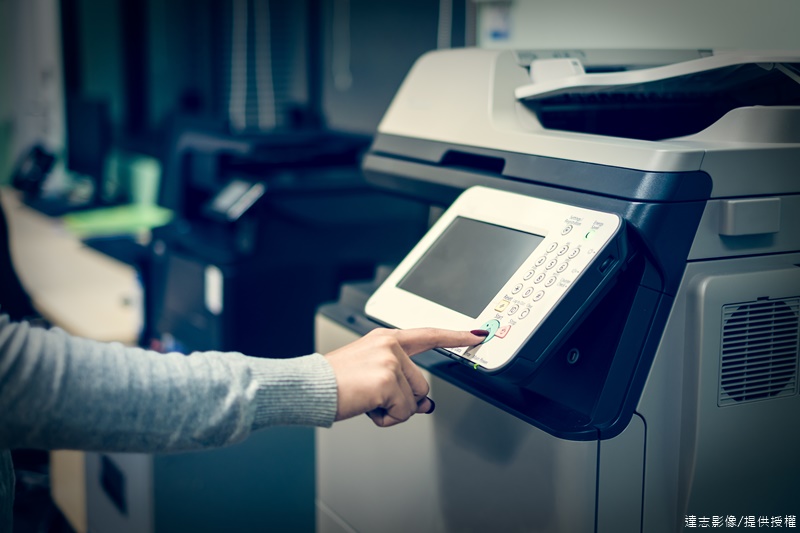
Karen: Excuse me, can you help me? I can’t use the printer.
凱倫:抱歉,你能幫我個忙嗎?我無法使用印表機。
excuse me打擾,勞駕can(aux.)可以,能help(v.)幫助use(v.)使用
IT Technician: No? Let me see what I can do to help. First, have you connected your computer to the printer?
IT技術人員:不行嗎?讓我看看我能幫忙什麼。首先,妳有將電腦連接到印表機嗎?
IT=information technology資訊技術technician(n.)技術員,技師let(v.)讓first(adv.)首先connect(v.)連接
Karen: No, I don’t think so.
凱倫:不,我想沒有。
think(v.)認為so(adv.)這樣,如此
IT Technician: Click on the box called “network” and then click on “printers”.
IT技術人員:滑鼠點擊「網路」的框框,然後點選「印表機」。
click(v.)按一下(滑鼠)box(n.)箱,盒,方框call(v.)叫做,稱為network(n.)網路then(adv.)接著,然後
Karen: Ok, I see a printer called “work printer”. Do I click on that?
凱倫:好,我看到一台印表機叫做「工作印表機」,我要點選那個嗎?
work(n.)工作
IT Technician: Yes. Now go to the work that you want to print, and click on “file” and then “print”.
IT技術人員:是的。現在到妳想要列印的工作點選「檔案」然後「列印」。
now(adv.)現在want(v.)要,想要print(v.)列印file(n.)檔案
Karen: Is there a faster way?
凱倫:有比較快的方式嗎?
fast(adj.)快的way(n.)方法,方式
IT Technician: Yes. You can press “alt” on your keyboard, and then the letter “p”. Wait a minute and your file will start to print.
IT技術人員:有,妳可以按住鍵盤上的「alt」,接著按字母「p」。等一下你的檔案就會開始列印了。
press(v.)按、壓keyboard(n.)鍵盤letter(n.)字母wait(v.)等minute(n.)分鐘start(v.)開始
Karen: Oh look! It’s printing! Thank you so much.
凱倫:噢,你看!正在列印了!非常謝謝你。
look(v.)看thank(v.)感謝,謝謝
IT Technician: You’re welcome.
IT技術人員:不客氣。
you’re welcome不客氣